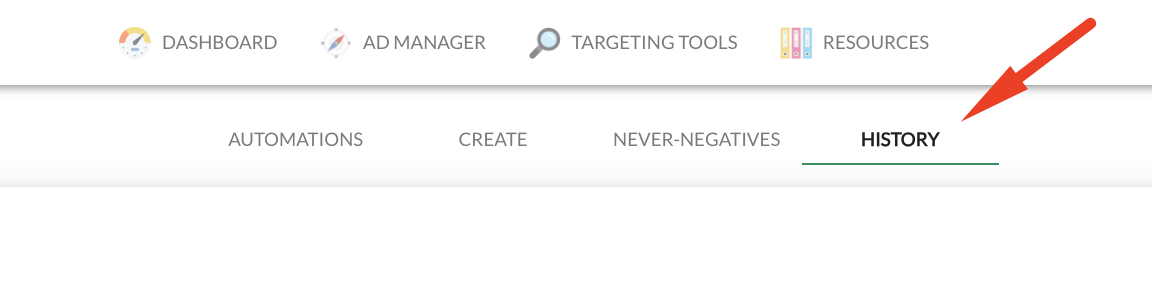
Absolutely, you have the ability to view the keywords that the tool has added for you. To do this, simply head over to your History tab. Within the history tab, you'll find a comprehensive record of all the changes and updates made to your campaigns.
By checking your history tab, you can easily identify the specific keywords that have been incorporated into your campaigns. This offers a transparent view of the tool's contributions and the impact it's having on your campaign's keyword landscape.
Feel free to explore the history tab to stay informed about the keywords added by the tool and any other changes to your campaigns. If you have any more questions or need further assistance, the Ad Badger team is here to help!