You can now see your campaign's Placement Bid Settings inside of Ad Badger.
Where to Find Placement Bid Settings
Finding your campaign's placement bid settings is as easy as 1, 2, 3.
-
Head to the Ad Manager
-
Choose the campaign that you wish to view the placement bid settings for.
-
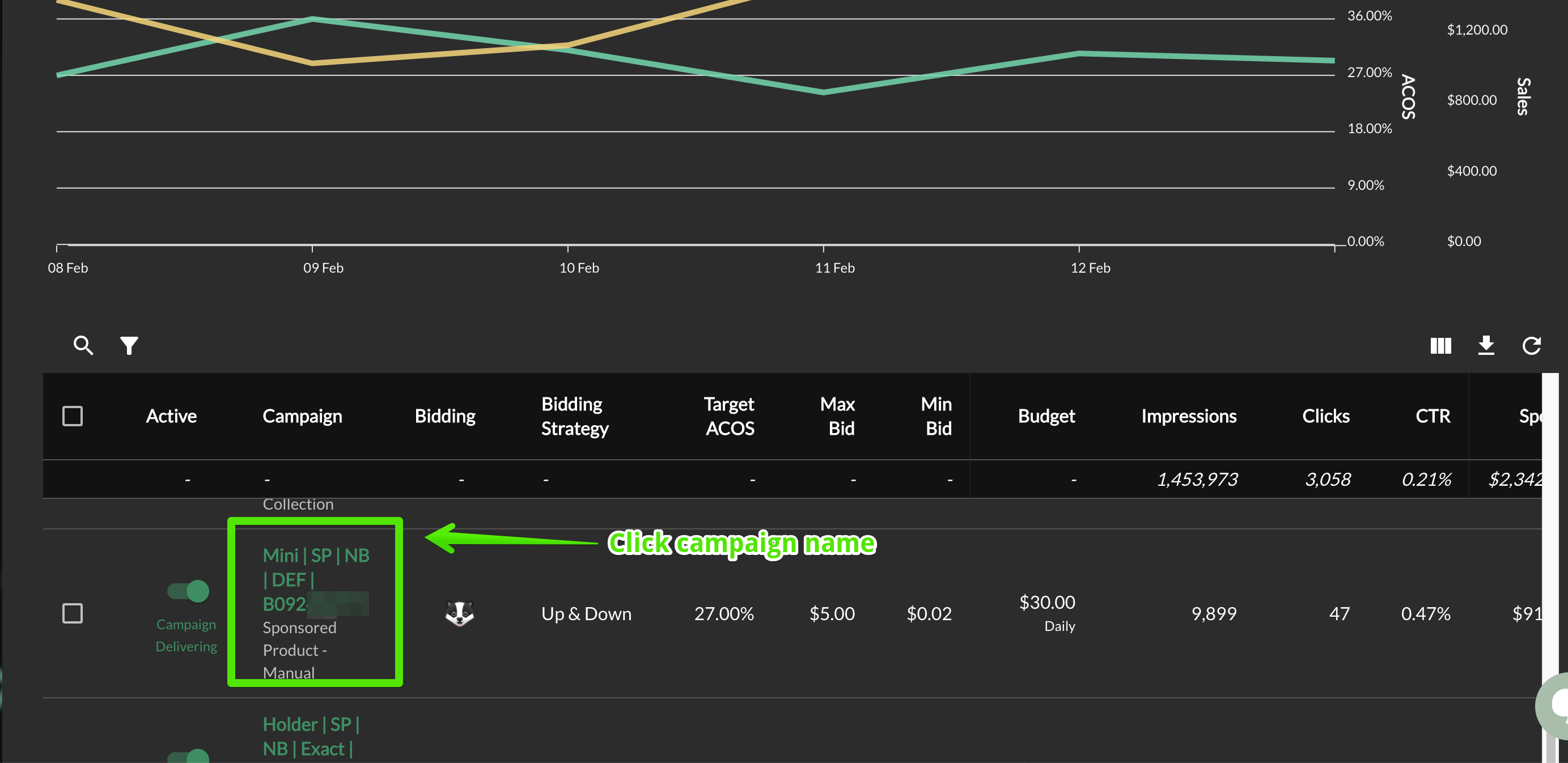
Click on the campaign name
-
Then, click on placement bids
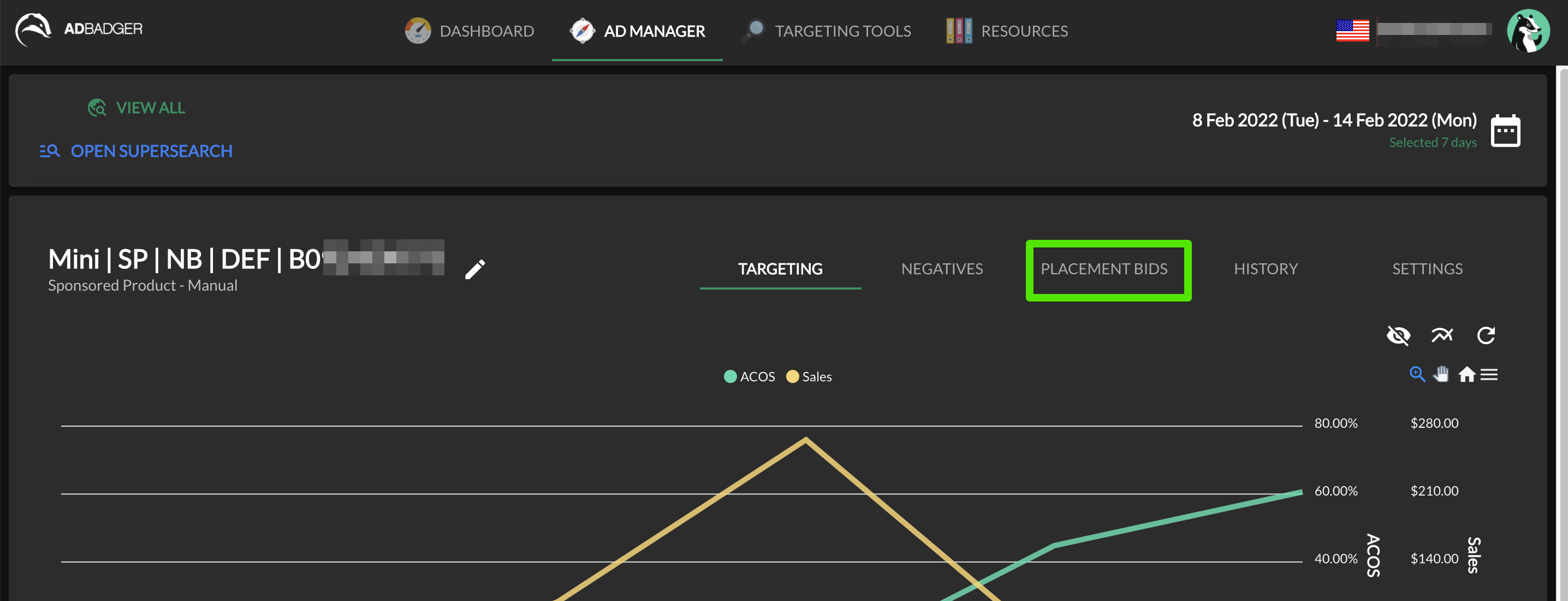
From there, you can view and edit your placement bids.
Questions?
If you still have questions about placement bid settings in Ad Badger, please reach out to us at thebadger@adbadger.com.