You can change your plan or billing cycle yourself, any time, from your Billing settings. That includes upgrading, downgrading, and switching between monthly and annual billing. It takes about a minute, and you'll see exactly what's due before you confirm.
How to change your plan
-
Log in to Ad Badger and go to Settings → Billing (app.adbadger.com/#/settings/billing)
-
Click Go to Billing Portal in the upper right

-
Click Update Subscription

-
Choose the billing cycle (monthly or annual) and the plan you want
-
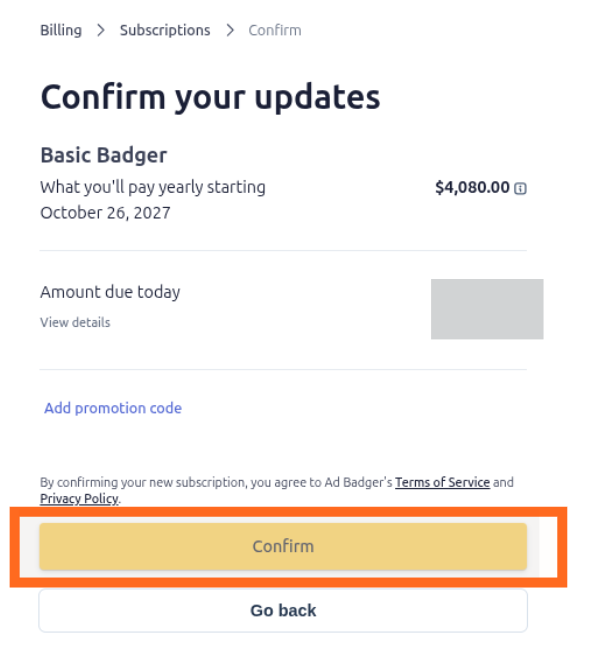
Review the confirmation screen, then confirm your change
What to expect
Before anything is charged, the confirmation screen shows your new plan, billing cycle and the amount due. Nothing changes until you confirm.
Switching to annual? Pick Annual in step 4. You can move back to monthly billing the same way.
💬 Need Help?
Reach out to our Support Team anytime through the Live Chat bubble in the lower-right corner of the tool.