If the Total ACOS page is missing products, shows $0 sales for a product you know is selling, or doesn't match another report, check these in order.
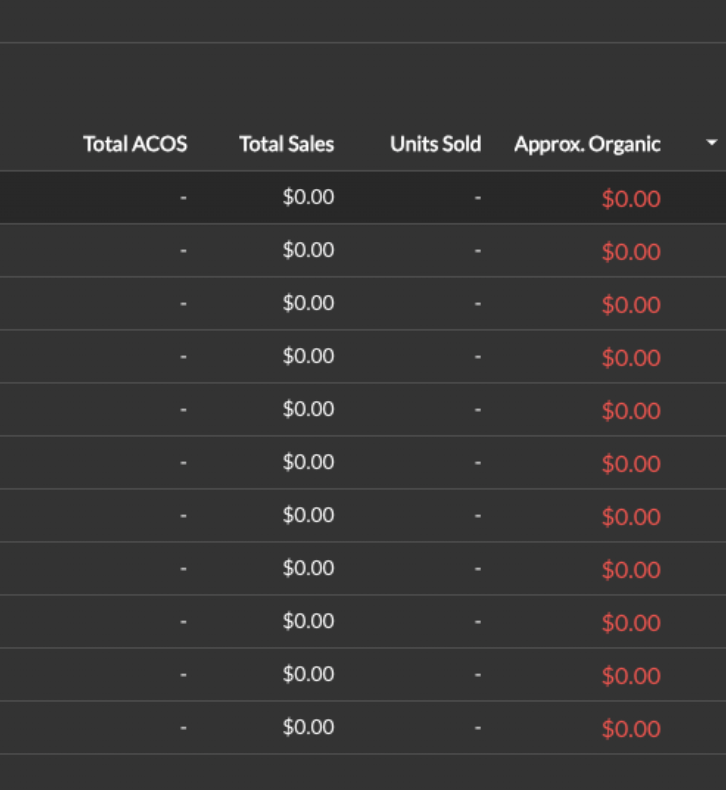
1. Is the product favorited? The Total ACOS page only shows products you've favorited. Go to Product Ad Data and click the ⭐ next to the product. Newly favorited products take a little while to fill in.
2. Does the product sell under a different SKU than the one in your ads?
The Total ACOS page matches sales to the SKU your campaigns advertise. If a product is advertised as SHIRT-01 but sells as SHIRT-01-B, the page finds no sales for it and shows $0. If this looks like your product, reach out and we'll help you sort it out.
3. Is your Seller Central connection working? If none of your favorites are filling in, your Selling Partner (SP-API) connection may need attention. See How to Connect Selling Partner API.
4. Are you comparing against a different report? The Profits dashboard and Claude/ChatGPT count sales differently from the Total ACOS page, so their totals won't match exactly. See How does Ad Badger handle Total ACOS?.
Still stuck? Reach out to our support team at support@adbadger.com or through the Live Chat bubble in the lower-right corner of the tool.